PRE-FLIGHT CHECK
To access this protocol, you must own Minecraft: Java Edition or Minecraft: Bedrock Edition (Windows, Console, or Mobile). Thanks to Geyser and Floodgate, crossplay is enabled and all Java launchers are authorized.
Minecraft SMP (v26.1.2)
play.dylatrong.com:25567
JAVA LINK ESTABLISHED (COPIED)
IP: play.dylatrong.com | Port: 19135
BEDROCK IP ESTABLISHED (COPIED)
Client & Modpack
You can connect using any Java or Bedrock client. For Java players, we highly recommend using Prism Launcher along with our custom Fabric modpack.
Download Modpack .ZIPGame Setup
Modpack Users: Open Prism, click "Add Instance" > "Import" and select our .ZIP file.
Vanilla Users: Ensure your (Java) game installation is updated and set to version 26.1.2.
Add the Server
Go to Multiplayer > Add Server. Input the appropriate Server IP for your game edition. Bedrock players: Ensure you change the default port to 19135.
Connect
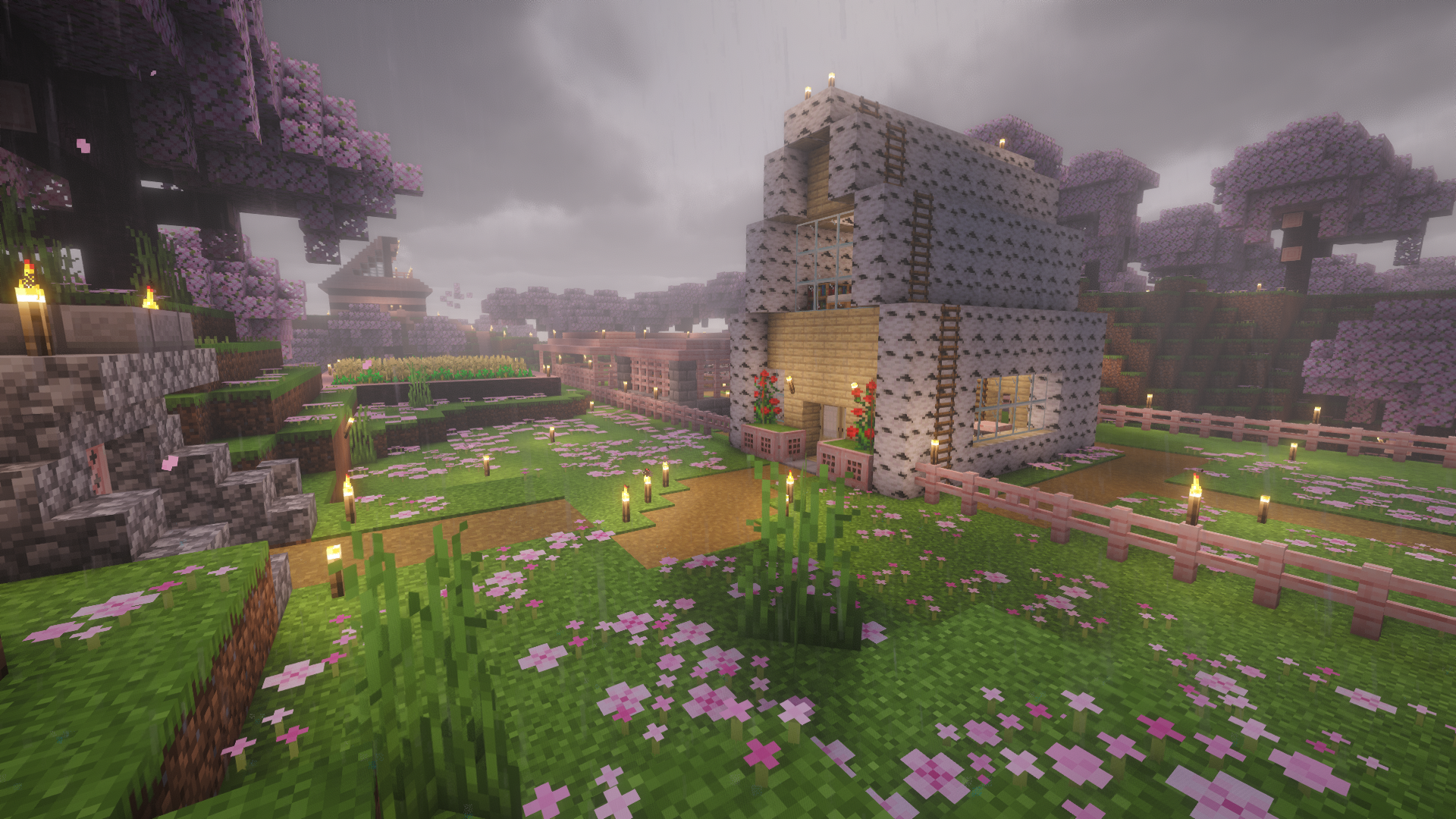
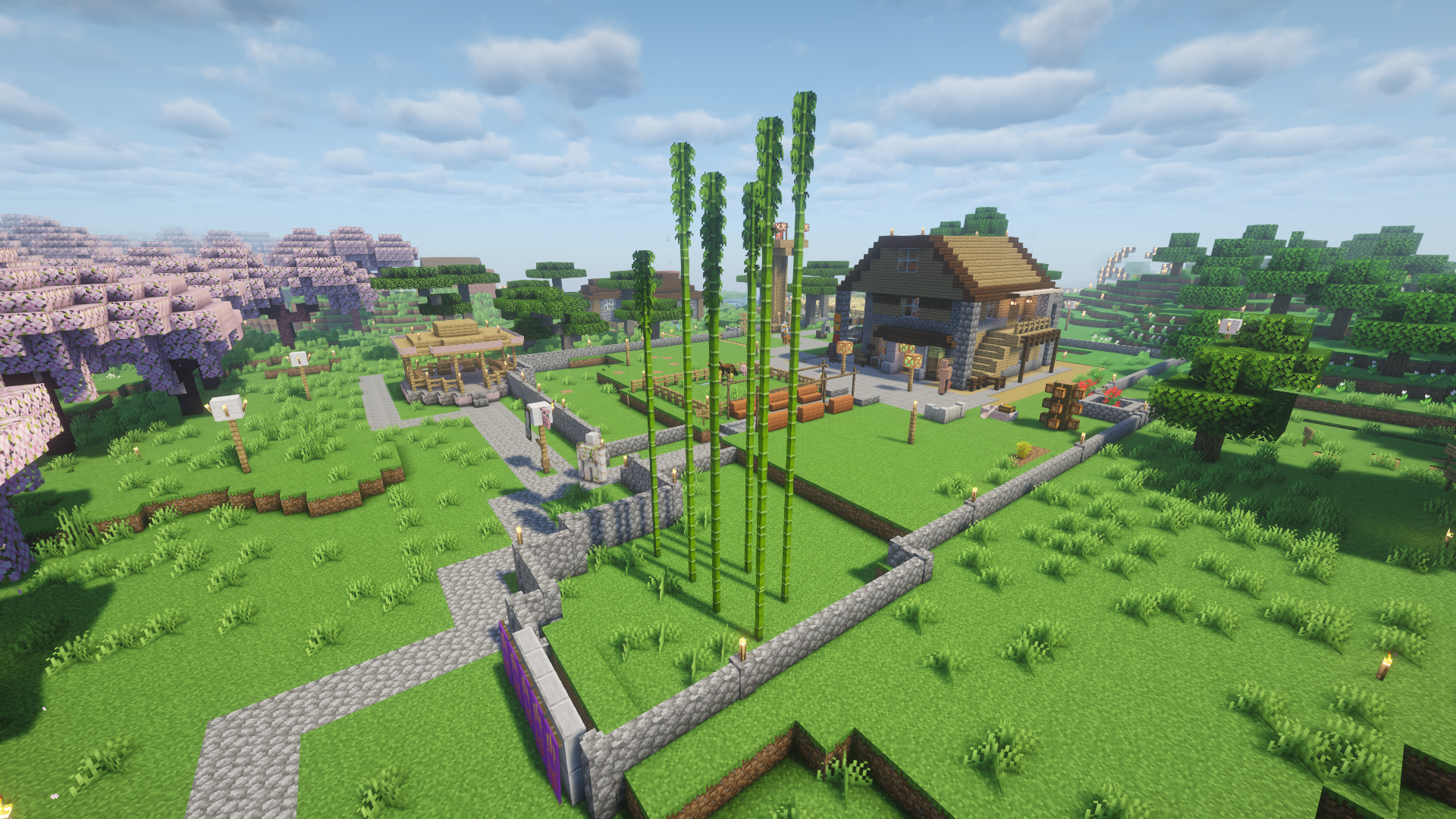
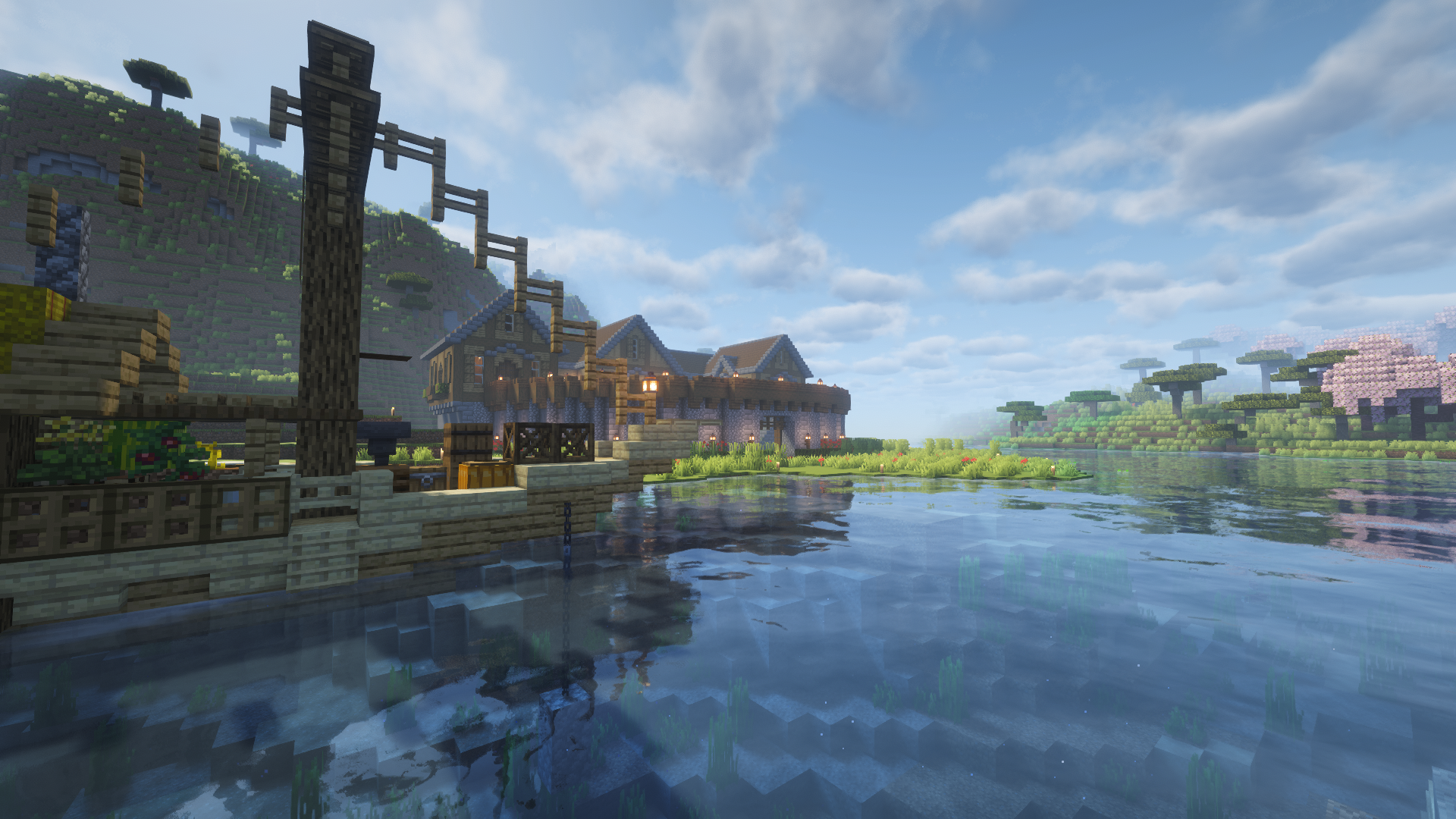
Gallery // Field Intelligence
STUCK IN THE QUEUE?
If you have trouble connecting or crossplay issues, hop into our Discord for technical assistance.
ACCESS DISCORD